
Hands-on guidance
Show the detail. Find the next step.
Share a close look at a part or a project with someone who can help. Discuss a snapshot together, then put the advice into practice.
Faceport Glasses
Share the page you’re working on or the detail you need help with. Create an account or sign in to join the waitlist for Faceport Glasses.
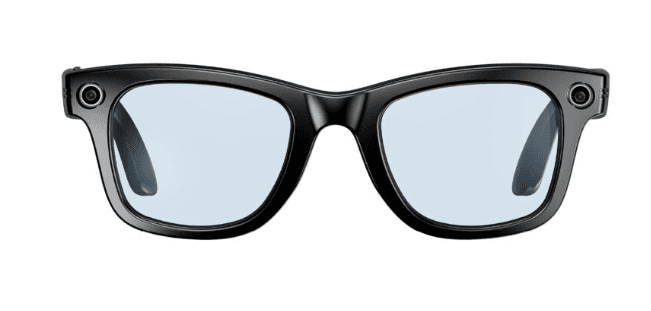
A shared perspective.
A closer connection.

Learning, from your point of view
Keep the pencil in your hand and the lesson on your page. Take a photo with your glasses, then share it with your tutor so you can discuss the same problem together.
A handwritten equation, a diagram, a step that does not quite add up. Give the conversation the context it needs.
See how to share your pageBeyond the lesson
Bring a little more context to the moments when showing helps more than explaining.
Hands-on guidance
Share a close look at a part or a project with someone who can help. Discuss a snapshot together, then put the advice into practice.

Creative lessons
Bring your painting, sketch, or craft into the lesson. A photo from your perspective gives your instructor something specific to respond to.

Remote walkthroughs
Share a room detail, a material sample, or an idea in progress. Help a colleague or client understand what you are looking at, wherever they are.
From your glasses to the conversation
You decide what to capture and when to share it. Here is how it works on desktop.
Open Faceport Glasses in Settings on a supported desktop browser or the updated Faceport desktop app, then connect your glasses.
Look at the page or detail you want to discuss. Take a photo and review the snapshot before sharing it.
Download the snapshot, attach it in your Faceport meeting Chat, and choose Send. Talk it through with the people in your meeting.